Project
Aditus: door access from a phone or a watch
A Flutter and Wear OS access-control prototype, with per-device RSA keys, Bluetooth authentication, an ESP32 controller and a Flask backend.
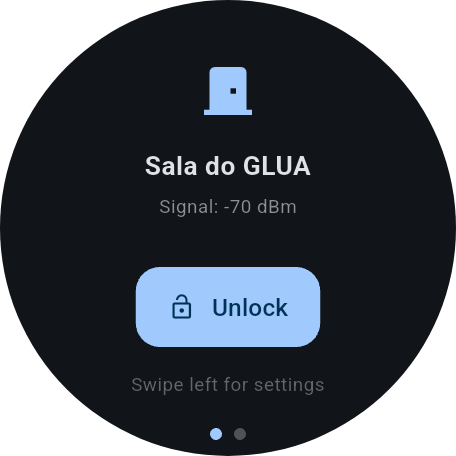
Aditus is a door-access prototype I built across late 2025 and early 2026. I developed the Android app, Wear OS app, ESP32 firmware and Flask backend. The idea was to use the phone or watch someone already carries to request access to a room, with a way to manage the devices and permissions behind that request.
A person might own a phone, a tablet and a watch. Losing the watch should not require replacing the credentials on the other two. A class might need access to a lab, with an exception for one student. Those cases shaped the database and registration flow as much as the unlock button did.
The original watch-to-ESP32 demonstration. Successful authentication flashes the board’s LED for three seconds; this prototype does not actuate a physical lock. Open the video directly.
Four components, two communication paths
The phone and watch communicate with a door over Bluetooth Low Energy. The ESP32 has its own Wi-Fi connection to the backend, where it checks permissions and retrieves public keys. The phone does not relay those requests.
That division matters most on the watch: after pairing, it can complete the BLE exchange without the phone nearby or an internet connection of its own. The controller still needs to reach Flask. The phone also checks its account session online at startup, so this is not a fully offline system.
At startup, an ESP32 identifies itself to the backend by its BLE MAC address. Once registered, it receives its door ID and display name and advertises under that name. Updating a room’s name therefore does not require recompiling its firmware.
| Component | Main responsibilities |
|---|---|
| Flutter phone app | Account setup, device registration, discovery, unlocking and administration |
| Flutter Wear OS app | Pairing, strongest-signal door selection and unlocking |
| ESP32 / C++ | BLE characteristics, backend requests, signature verification and LED state |
| Flask / SQLAlchemy | Accounts, keys, permissions, pairing sessions and access records in SQLite |
An account is different from a device
On first use, the phone signs in, sets up a four-to-six-digit PIN and registers itself with a name. Registration generates an RSA-2048 key pair using PointyCastle. The private key stays in encrypted local storage; the public key becomes part of a device record associated with its owner.
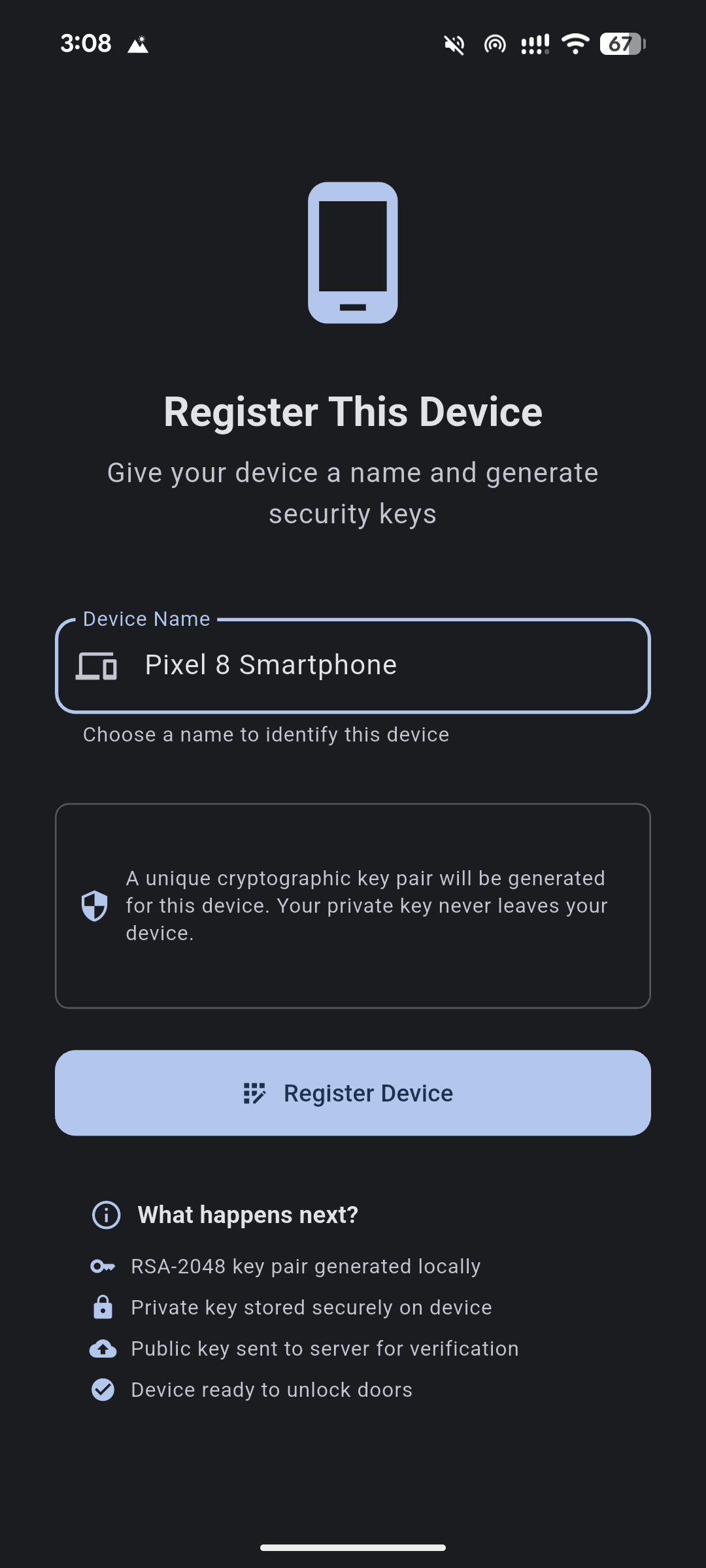
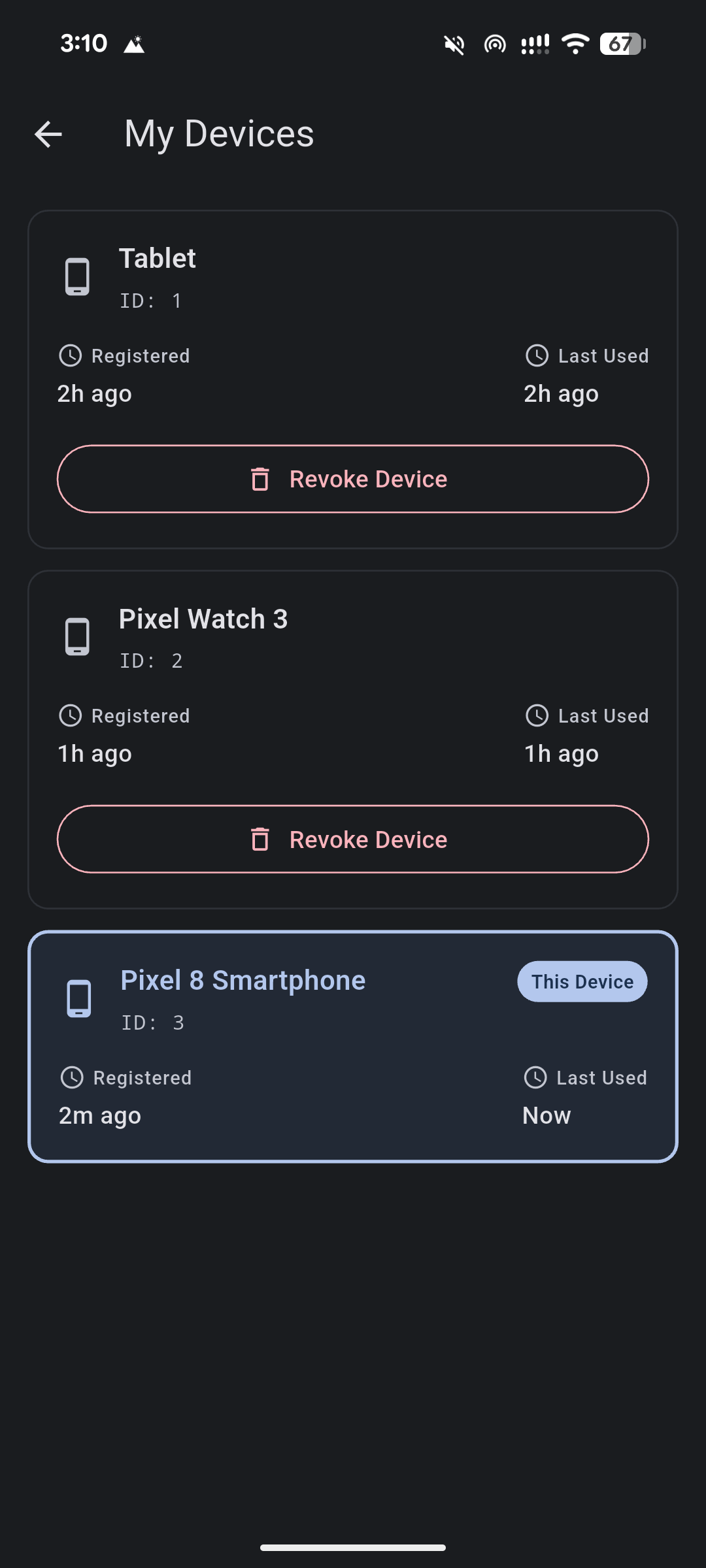
Three mechanisms have different jobs here. JWT access and refresh tokens authenticate account API requests. The local PIN or biometric check controls entry into the app. The RSA key signs a controller’s challenge. Registering another device does not require copying a private key or a session token from the first one.
The backend’s device table stores the owner, name and public key. Deleting that record means a controller can no longer retrieve the key on a subsequent request. The keys are generated in Dart and stored as PEM strings; they are not non-exportable keys generated inside Android hardware.
Following an unlock over Bluetooth
The app scans for Aditus’s BLE service and sorts discovered doors by RSSI. This makes the strongest signal easy to find, although it is only an approximate indication of distance.
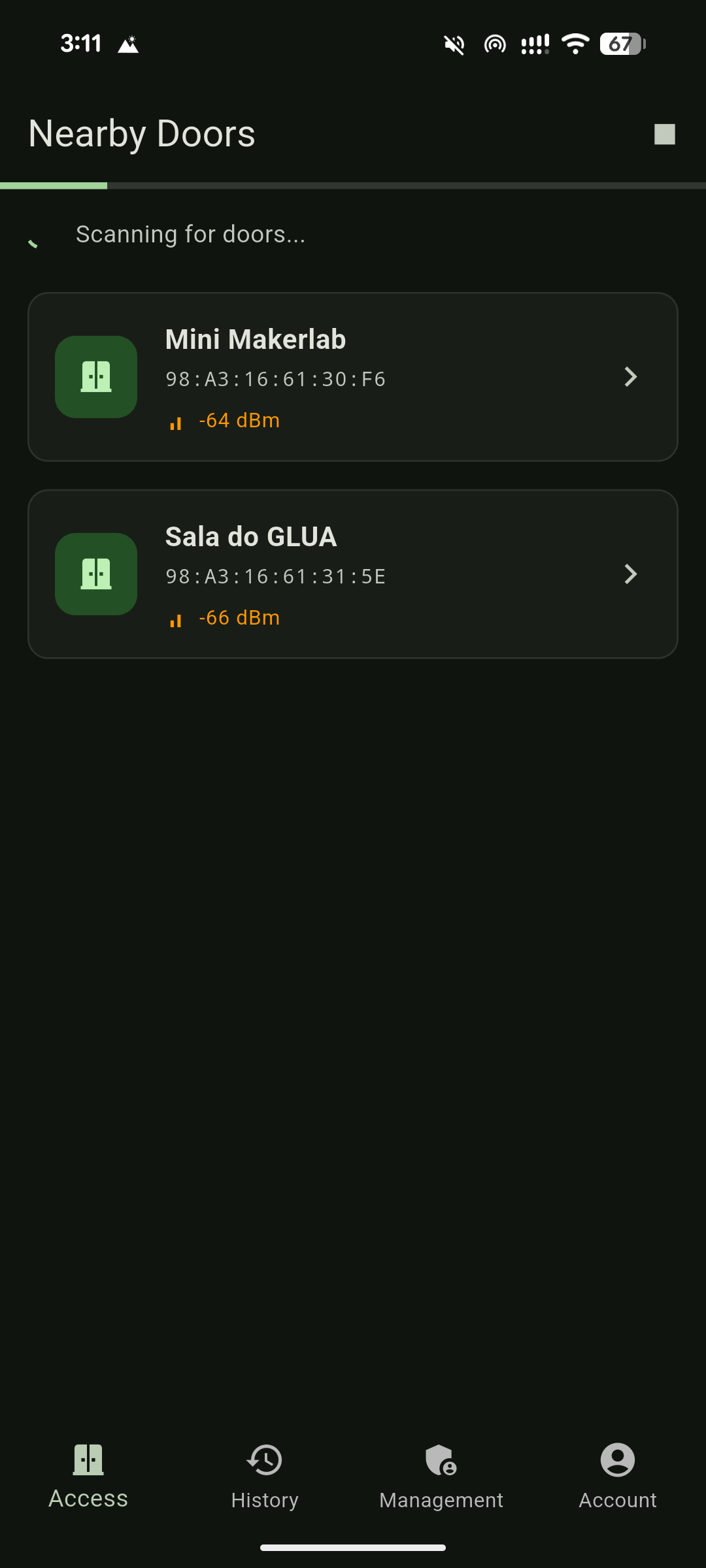
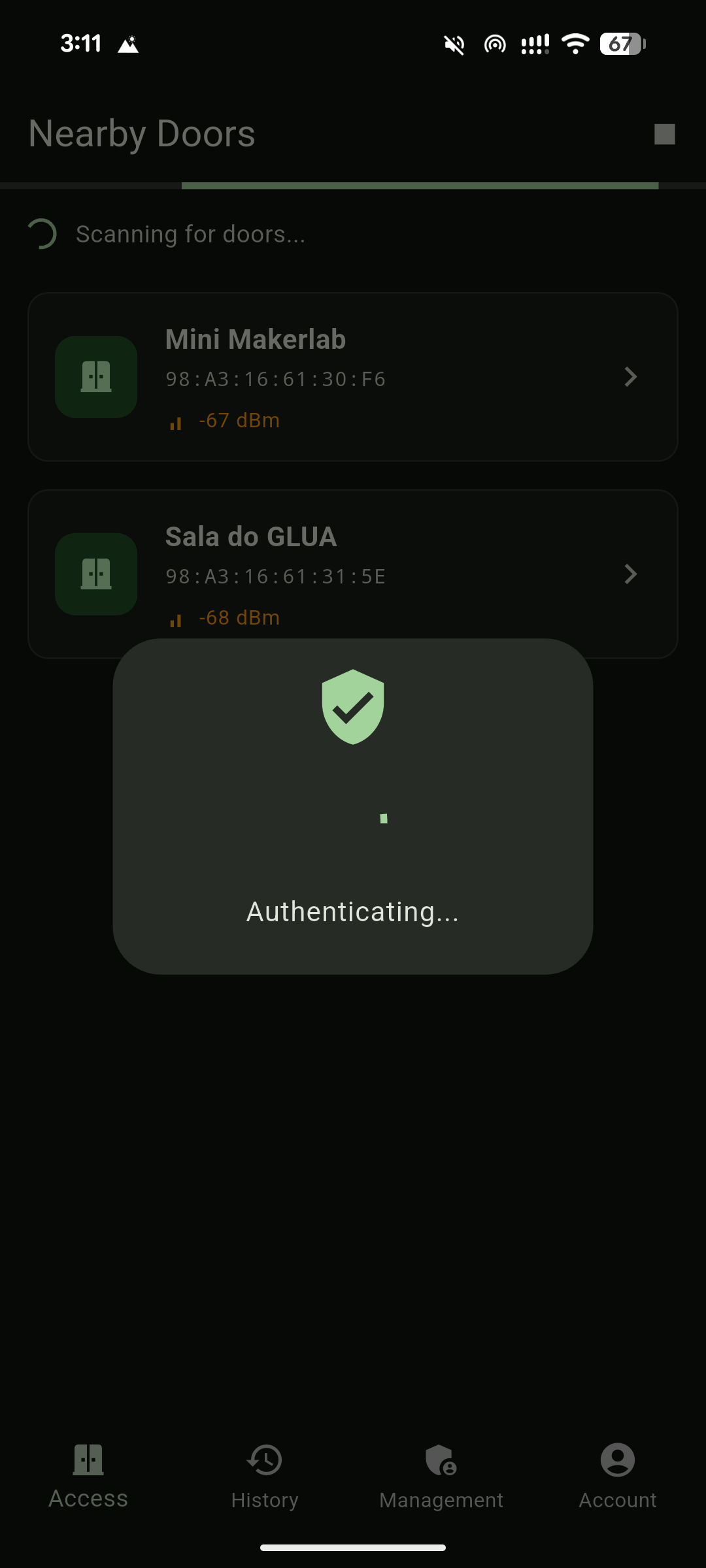
The protocol uses four GATT characteristics. Two accept writes from the client; two let the controller notify it:
| Characteristic | Direction | Payload |
|---|---|---|
| Identity | App → ESP32 | JSON containing user_id and device_id |
| Challenge | ESP32 → app | Six-digit challenge as text |
| Signature | App → ESP32 | Base64-encoded RSA signature |
| Status | ESP32 → app | AUTHORIZED or a DENIED_... reason |
The client enables challenge and status notifications before writing its identity. A successful request follows this sequence:
PointyCastle signs the UTF-8 challenge bytes with SHA-256/RSA. The ESP32 decodes the signature, parses the PEM public key and verifies it using mbedTLS. Both implementations have to agree on the bytes and formats, not just on the algorithm name.
An RSA-2048 signature is 256 bytes, or 344 characters in Base64. The client explicitly enables BLE long writes:
await _bleService.writeToCharacteristic(
  signatureUuid,
  signature,
  allowLongWrite: true,
);
This excerpt comes from DoorUnlockBloc, which coordinates the exchange separately from the screen. Challenge and final-status waits each have a thirty-second timeout. Completion and error paths disconnect the BLE connection. The ESP32 also tracks its current unlock state, rejects signatures outside the waiting state and resets to idle on disconnect.
Pairing without copying the phone’s keys
The phone requests a six-digit pairing code valid for five minutes. Flask stores it in a PairingSession with the user ID, expiry time and a used flag. The watch generates its own key pair and submits the code, its name and its public key to the pairing endpoint.
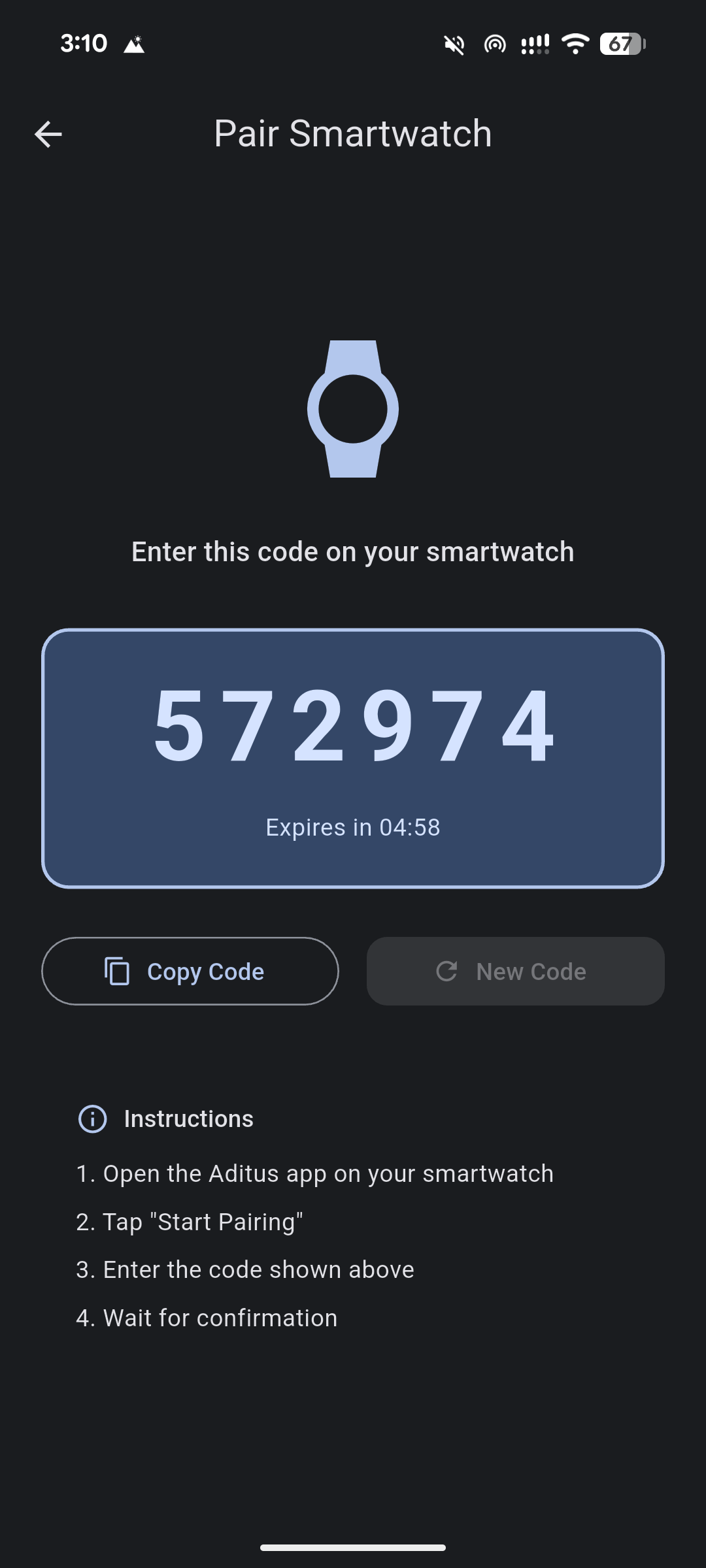
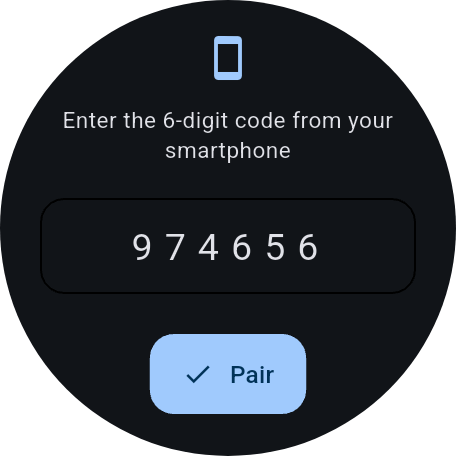
The backend checks that the code exists, has not expired and has not been used. It creates a device under the same account and consumes the session. The response gives the watch its device and owner IDs; this flow does not issue it phone-style JWTs.
On the wrist, the main screen offers the door with the strongest signal and one unlock button. Resetting the watch clears its local keys and registration. Revoking its backend record remains a separate action in the phone’s device list.
Permissions need rules people can manage
The phone also manages users, groups and doors. SQLAlchemy represents group membership, direct user grants, group grants and their exceptions through association tables. Device ownership is separate from those permissions: a public key proves possession of a registered device, while the permission lookup answers whether the requested user may enter.
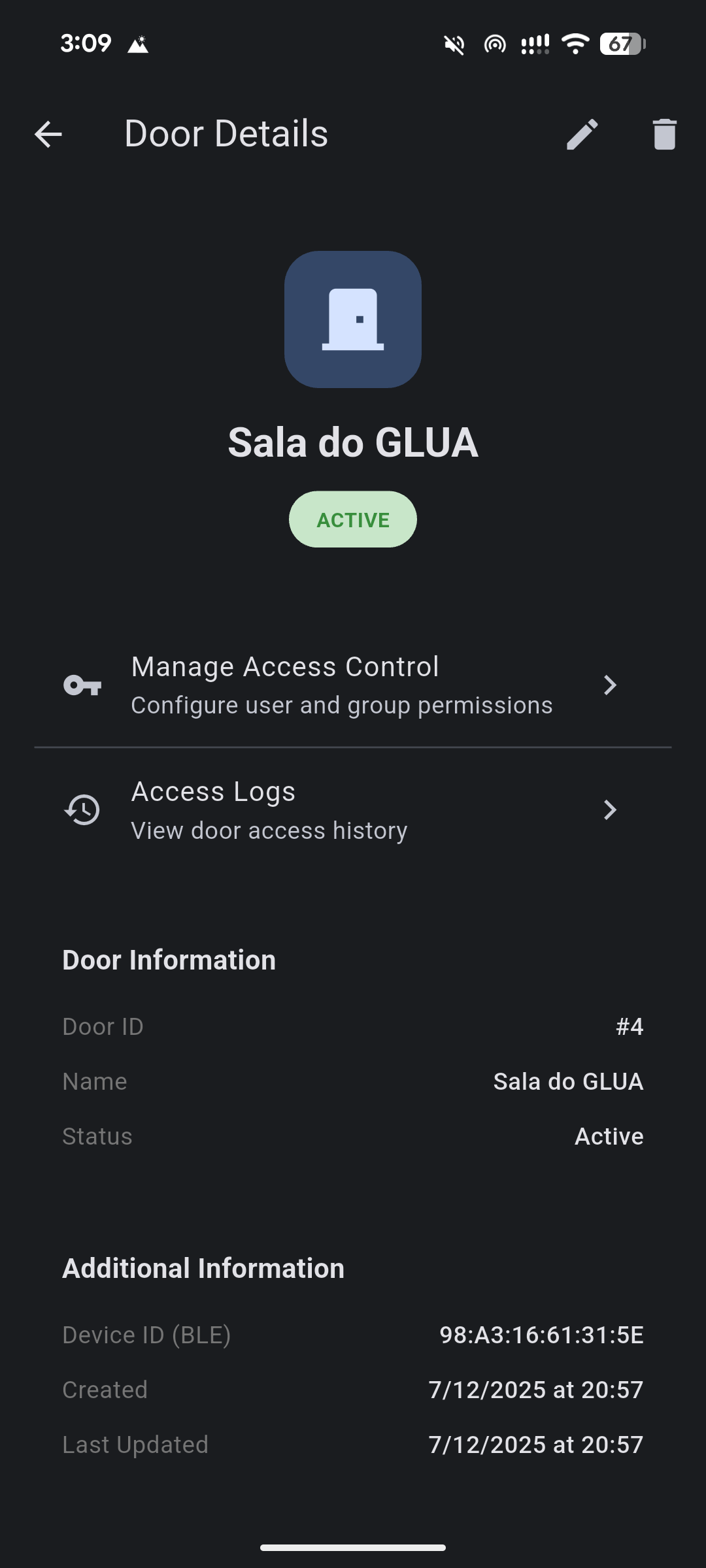
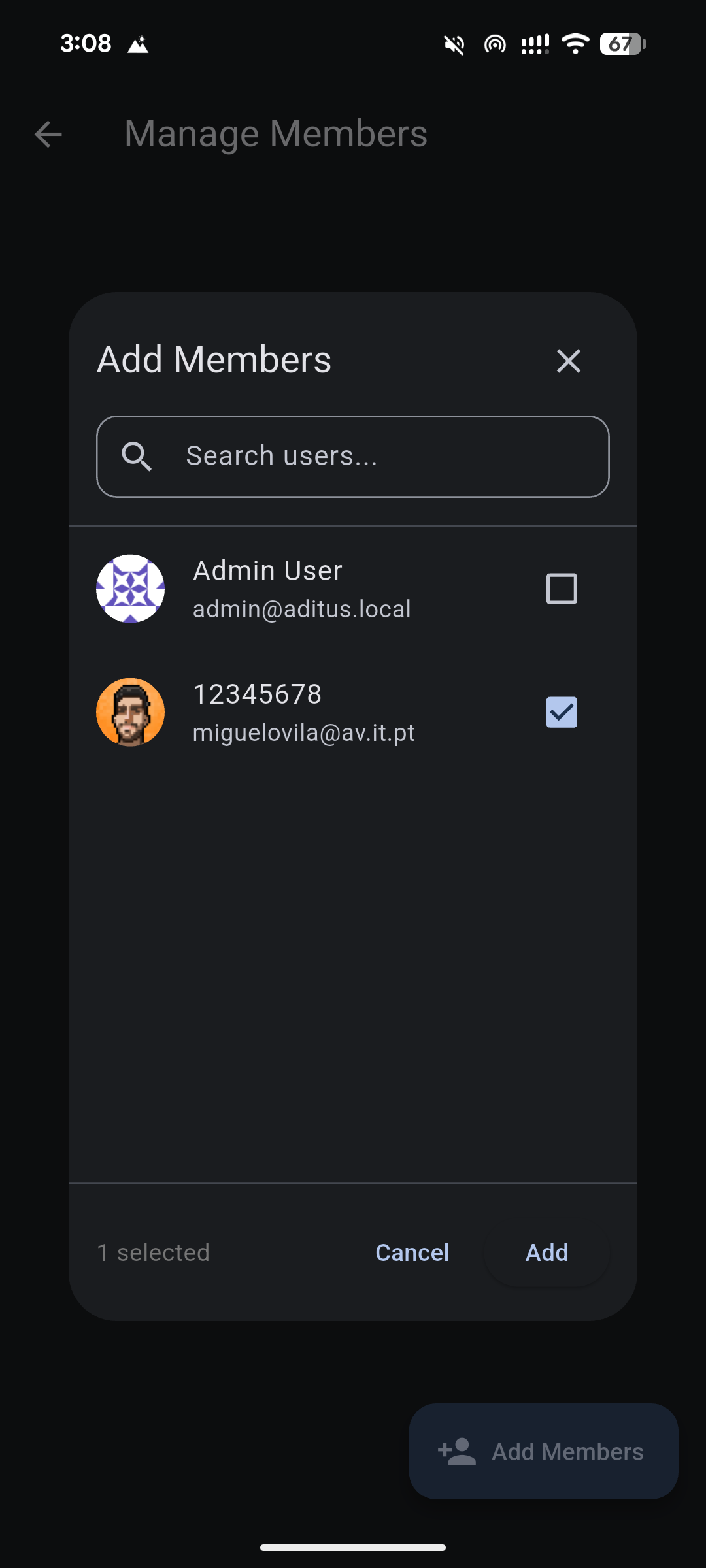
The evaluation order is specific. A user exception denies access first. Otherwise, a direct grant allows it. Failing that, any granted group permits access unless that particular group is excepted. A group exception does not cancel an independent direct grant or a grant through another group. Admin status grants management privileges, not automatic access to every door.
Keeping the prototype’s limits visible
Access records contain the user, device, door, timestamp, outcome and failure reason. The personal history screen loads twenty records at a time. Flask also provides administrative filters by user, door, device, date and result.
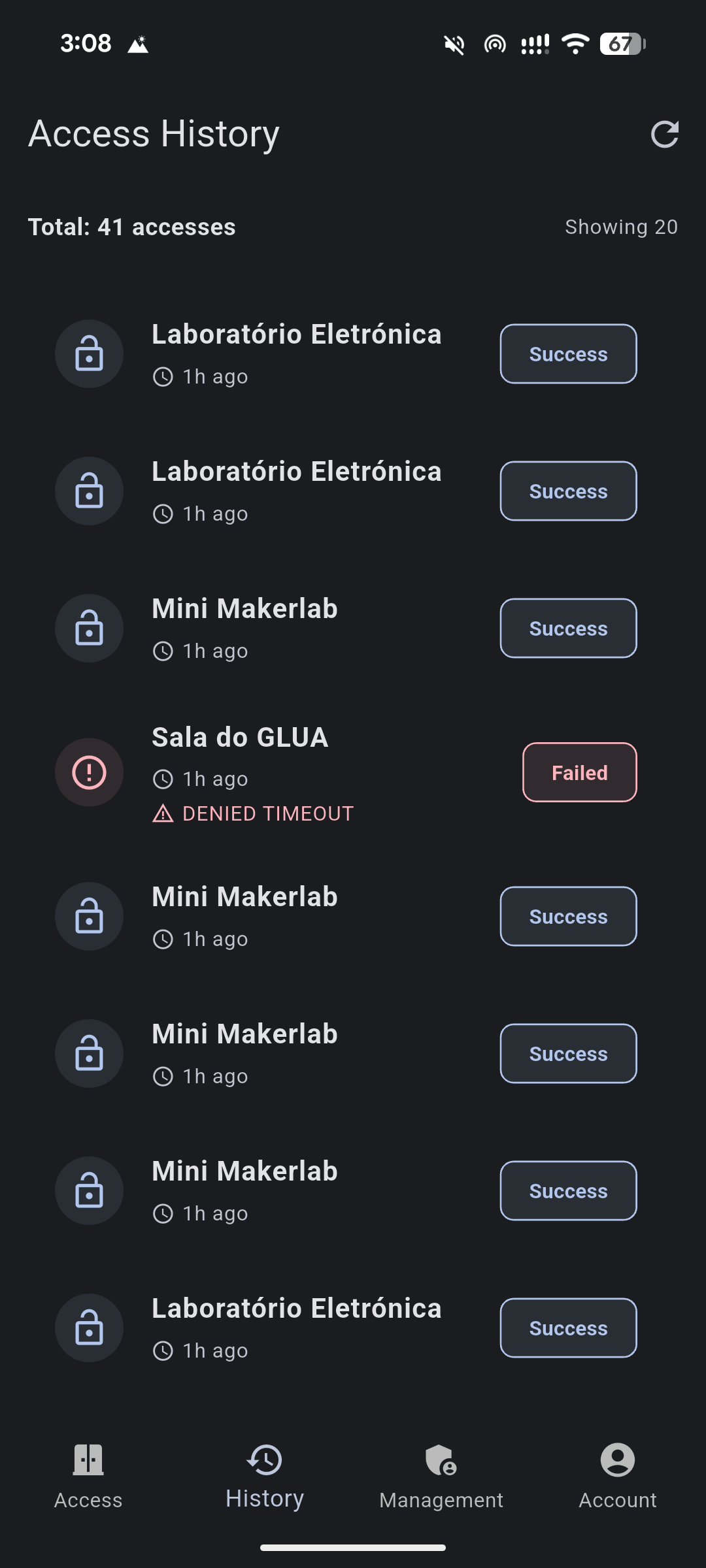
The recorded demonstration connects registration, permission checks and signature verification, but a deployed door needs further work. The firmware currently disables TLS certificate verification, uses a short pseudorandom challenge and does not explicitly bind the submitted user ID to the device’s owner. It also posts logs to the wrong route. The original report records intermittent controller hangs during watch unlocks without a confirmed cause.
Those limits are documented in the technical reference. The repository contains the four implementations, original report and demonstration material.